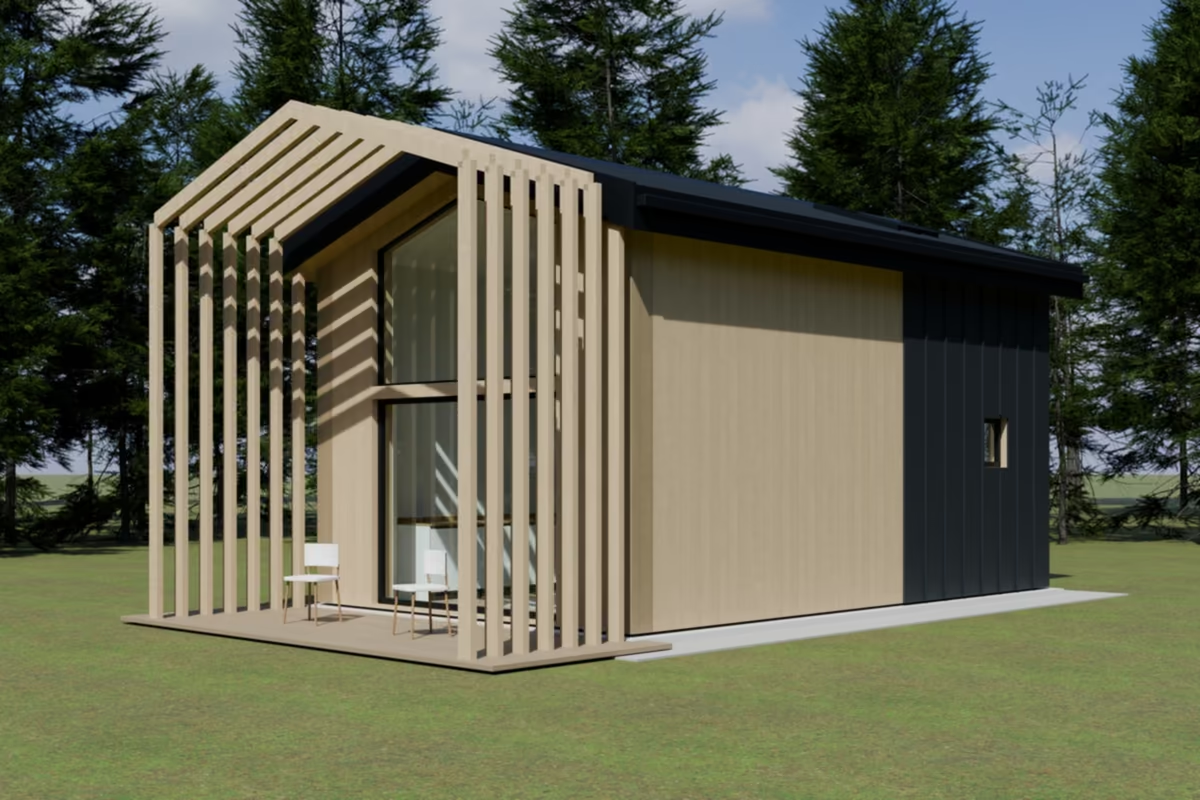
Garden One
Home with mezzanine · 50 m² · 7.92 × 4.92 m
On the desk · 1:50In its real sizeCut open · from aboveUpper floor · real size
Augmented reality · no app
Point the camera of your phone at the desk. The home stands there as a model. Walk round it, or stand it on your plot in its real size.
Home with mezzanine · 50 m² · 7.92 × 4.92 m
On the desk · 1:50In its real sizeCut open · from aboveUpper floor · real size
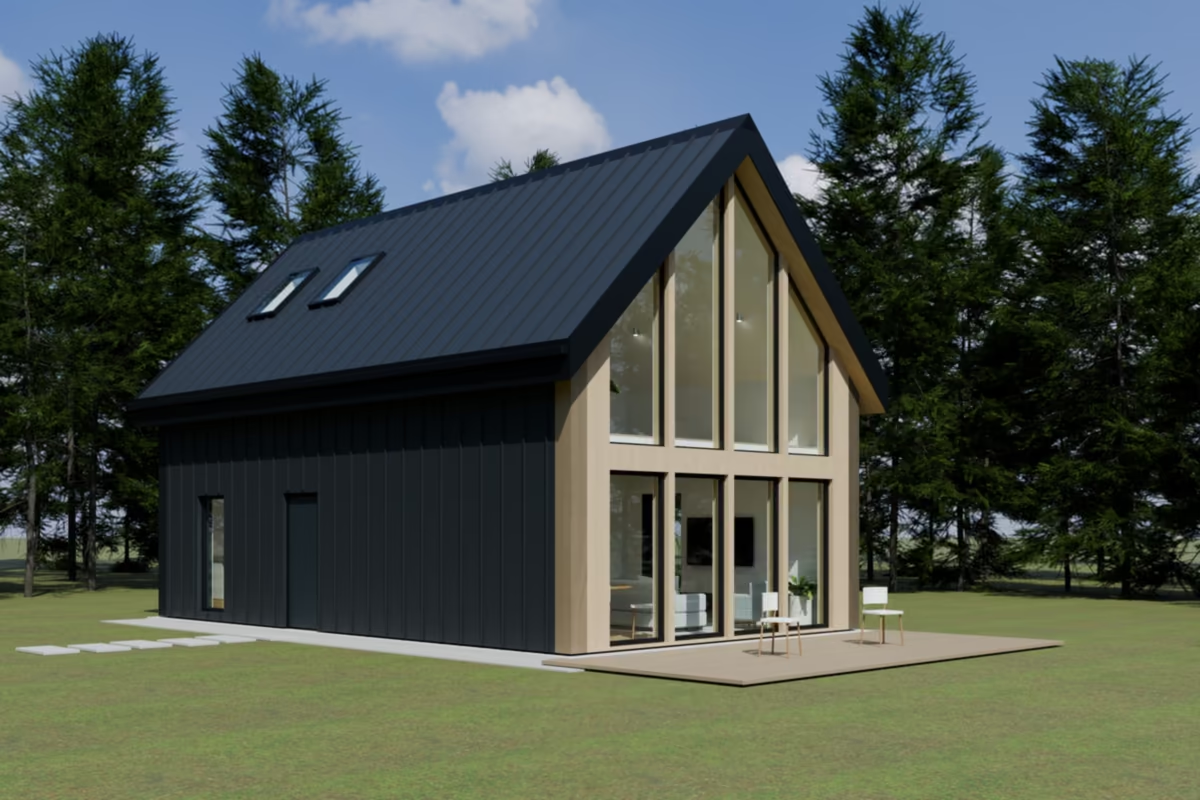
Family home with upper floor · 120 m² · 10.86 × 6.32 m
On the desk · 1:50In its real sizeCut open · from aboveUpper floor · real size
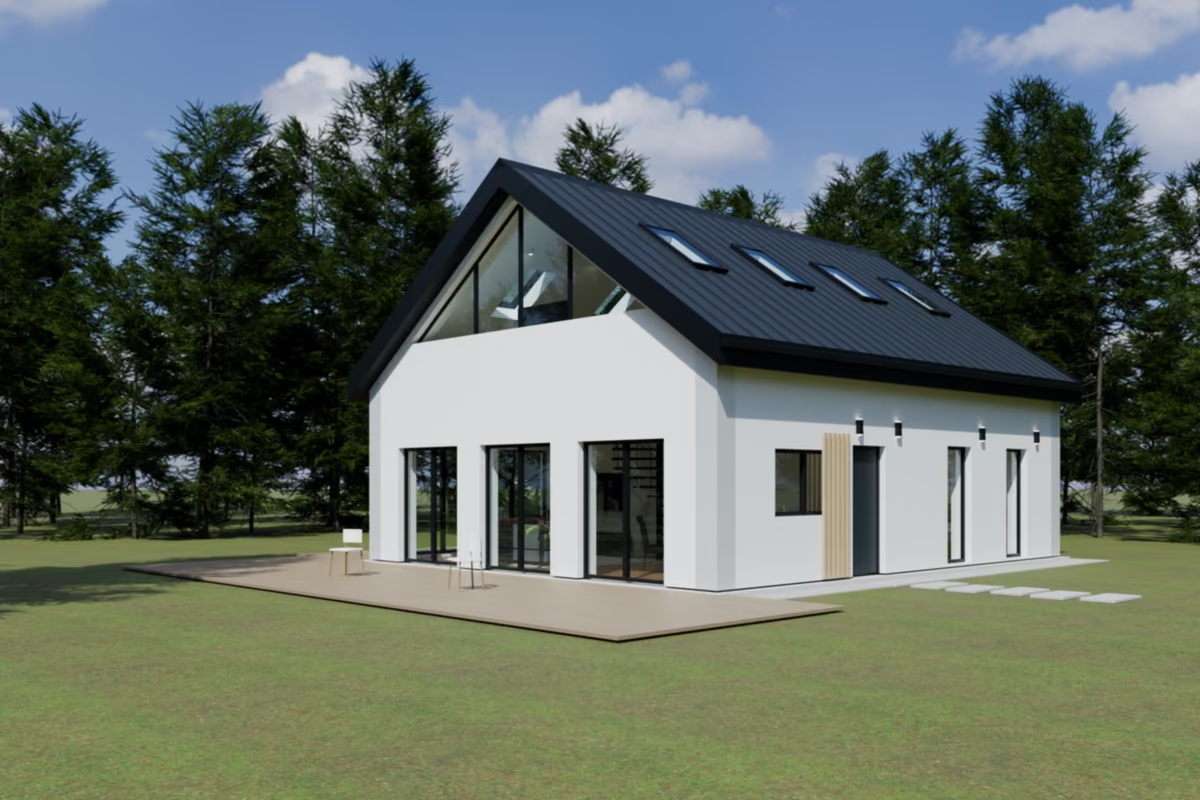
Residence with open upper floor · 210.52 m² · 11.3 × 9.31 m
On the desk · 1:50In its real sizeCut open · from aboveUpper floor · real size
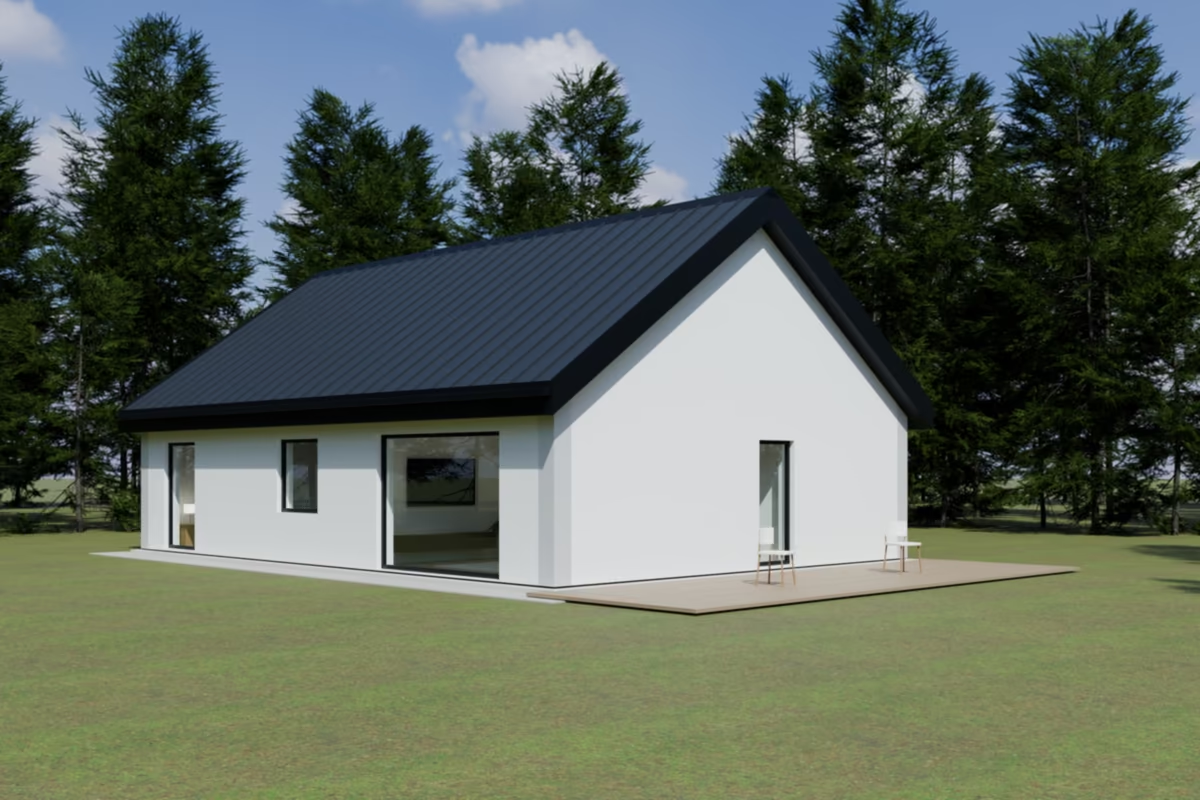
Bungalow, all on one level · 105 m² · 12.3 × 8.56 m
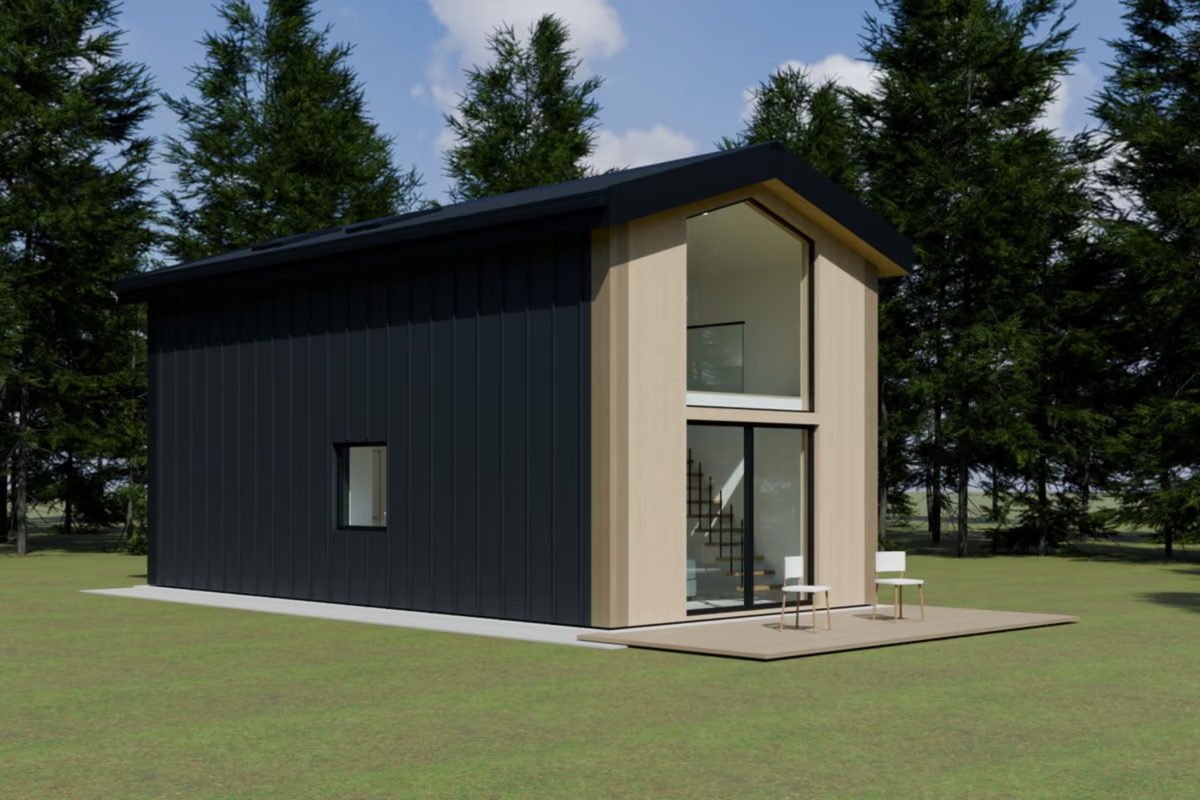
Family home with upper floor · 88 m² · 10.15 × 4.92 m
On the desk · 1:50In its real sizeCut open · from aboveUpper floor · real size

A real free building plot near Famagusta with its terrain, neighbours, trees and a home · 123 × 123 m